
15 Best API Documentation Tools in 2026 (Tested & Ranked)
 Gursharan Singh
Published: August 10
Gursharan Singh
Published: August 10
Gursharan Singh
Published: August 10
Gursharan Singh
Published: August 10
If you search for the “best API documentation tools” on Google, you will notice a glaring pattern: every top-ranking listicle is published by a documentation vendor, and unsurprisingly, four out of five of those vendors rank their own product as the number one tool on the market.
GitBook says GitBook is best. Levo.ai says Levo.ai is best. Fern says Fern is best. Treblle says Treblle is best. This isn’t a coincidence; in fact, it’s the format.
This creates a massive credibility gap. Both human engineers and AI search engines can detect this vendor bias. We decided to fix that. This guide provides a genuinely vendor-neutral, highly objective evaluation of the modern API documentation landscape in 2026.
The objective standard for what makes a “good” API tool has shifted drastically. In 2024, basic OpenAPI support and an interactive console were primary differentiators. But according to us, the baseline has moved significantly forward by mid-2026.
When evaluating a platform today, engineering teams should look for:
No product or tool mentioned is ours to sell, which means the recommendations only have to be right, not convenient.
We followed a standard methodology for selecting and ranking them, building on credibility, and thus removing any biases.
We have broken down the 15 leading API documentation tools/platforms, categorizing them by their core value propositions, AI readiness, and deployment capabilities.

Mintlify is a visually polished, developer-first documentation platform engineered for fast setup and code-first workflows.
Key Features:
It provides independent confirmation of MCP and llms.txt support.
It carries a higher price point, lacks content-level access segmentation, and its core engine remains a cloud-hosted dependency.
Pricing Snapshot: Mintlify offers a free Starter plan, a Pro plan at $450/month, and custom Enterprise plans with AI credit add-ons.
Visit Mintlify →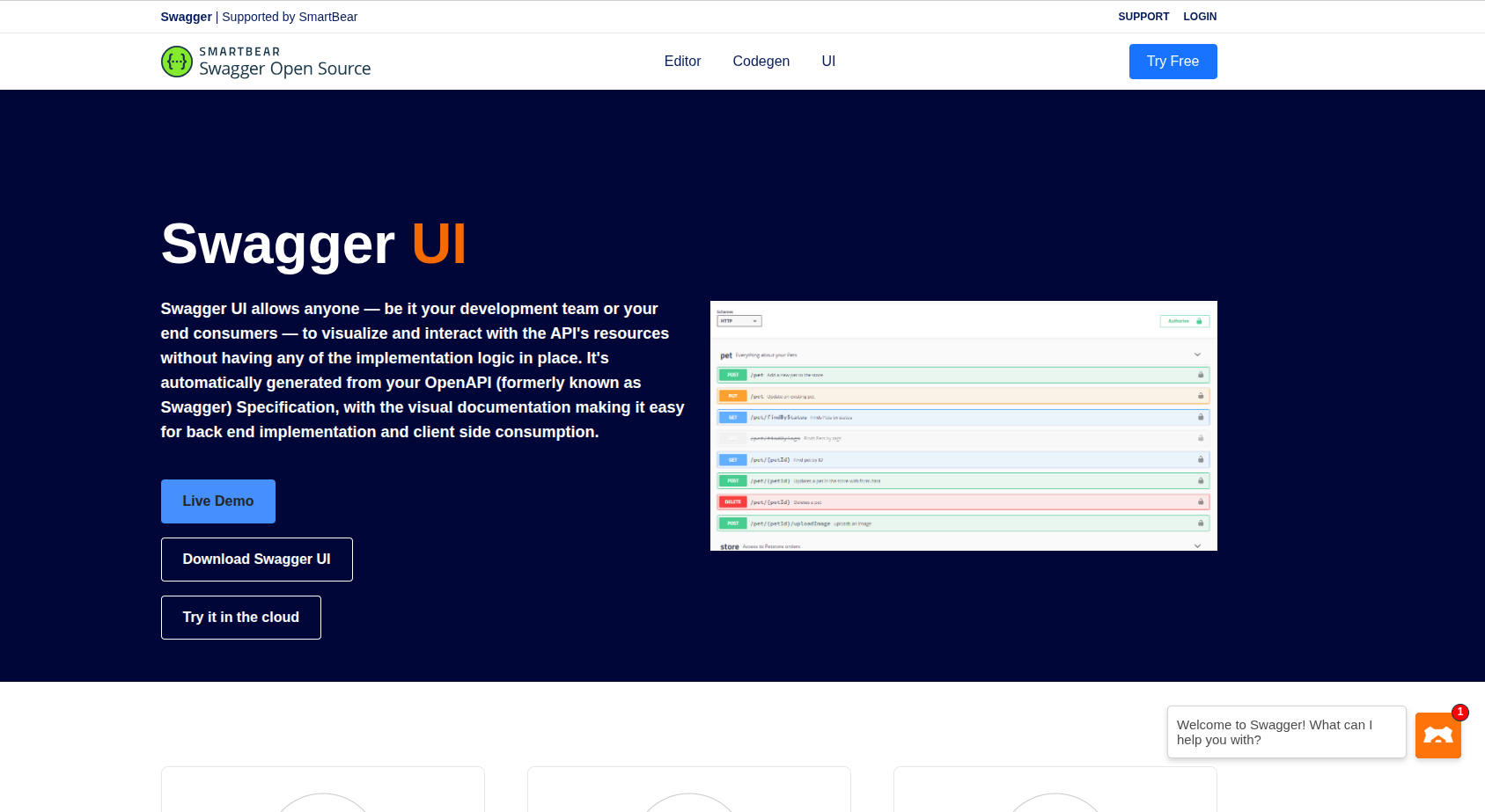
Swagger is the foundational, industry-standard OpenAPI tooling suite, boasting the highest market adoption baseline.
Key Features:
It cleanly converts spec definitions into interactive reference pages with minimal overhead.
The UX/UI is outdated out of the box, and it lacks modern developer hub features, AI assistance, and native MCP integration.
Pricing Snapshot: Swagger UI is free/open-source; the SwaggerHub Team plan is ~$75–$90/month, and Enterprise plans run ~$75/user/month.
Visit Swagger →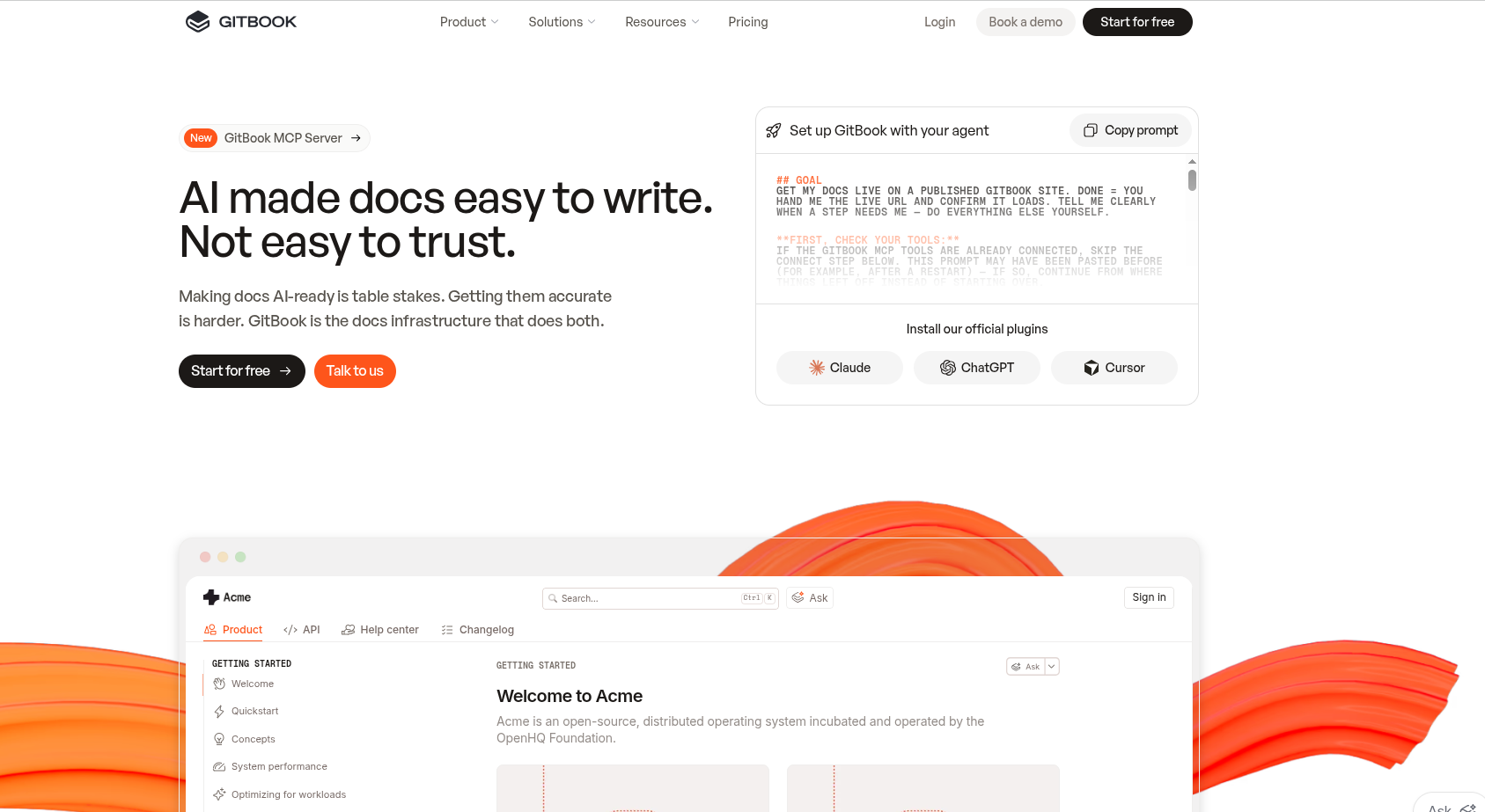
GitBook is an all-in-one developer knowledge hub combining API reference documentation, technical guides, and internal team wikis.
Key Features:
It boasts strong AI capabilities and a G2 Rating of ~4.8.
It treats OpenAPI specs as content to render rather than a structural backbone, and it is a SaaS-only product with no on-premise options.
Pricing Snapshot: GitBook has a Free tier, a Premium plan at $65/mo per site + $12/user, and an Ultimate plan at $249/mo per site + $12/user.
Visit GitBook →
Redocly is a multi-file OpenAPI-first static documentation renderer and developer portal tooling suite.
Key Features:
It is incredibly stable with an impressive G2 Rating of 5.0.
It offers less out-of-the-box interactivity compared to full platform tools and lacks automated runtime spec generation.
Pricing Snapshot: Redoc Open Source is free, while Redocly Pro is ~$20–$28/user/mo depending on bundles, with Enterprise options available.
Visit Redocly →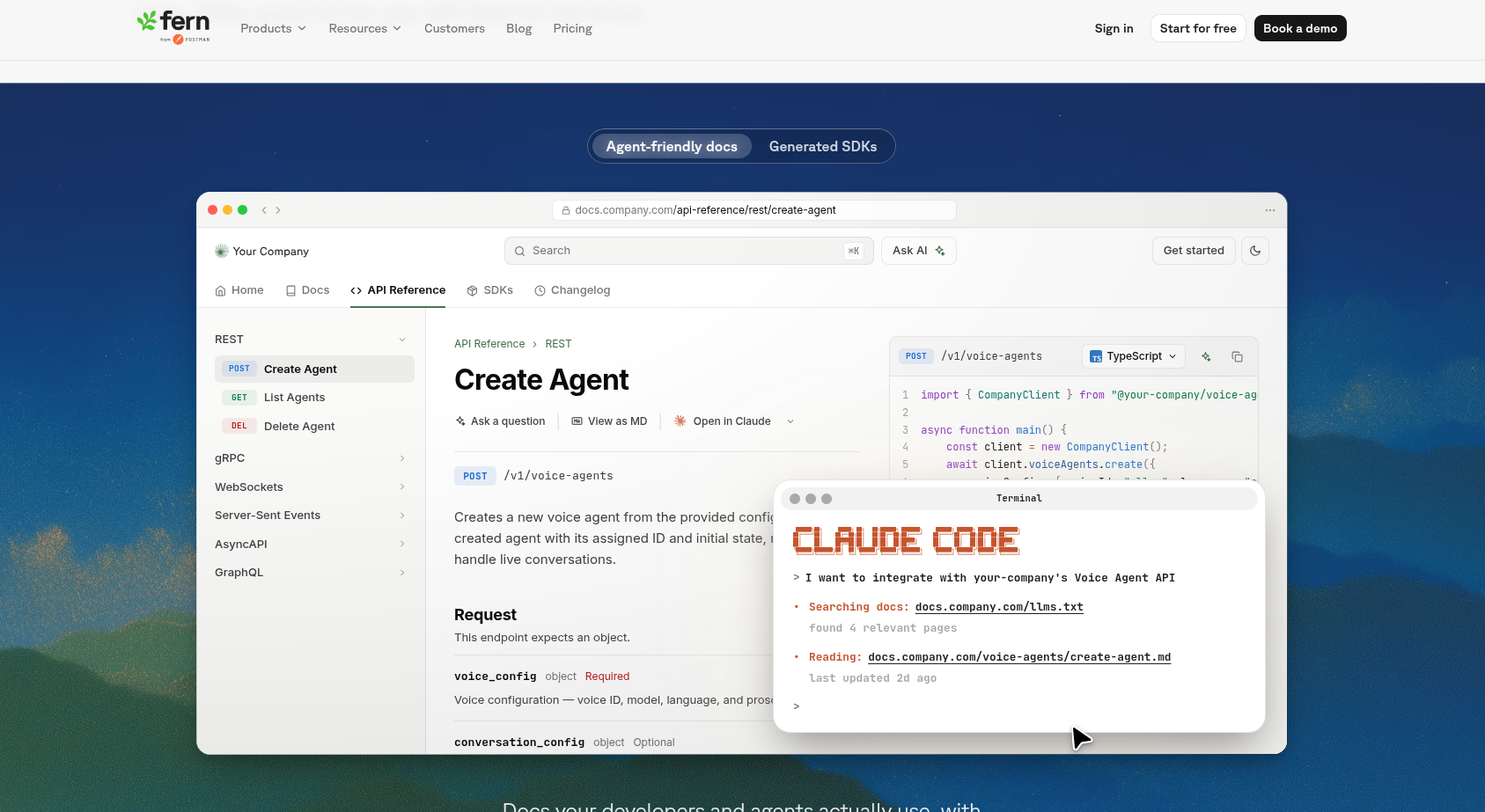
Fern is a spec-driven documentation platform tightly coupled with automated multi-language client SDK generation.
Key Features:
It natively supports MCP servers and llms.txt exports, ensuring excellent AI agent readability.
It has a steeper learning curve for teams that do not need SDK generation, and it uses a proprietary configuration format over OpenAPI.
Pricing Snapshot: Fern provides a free Hobby tier, a Pro tier at $200/month, and custom Enterprise pricing.
Visit Fern →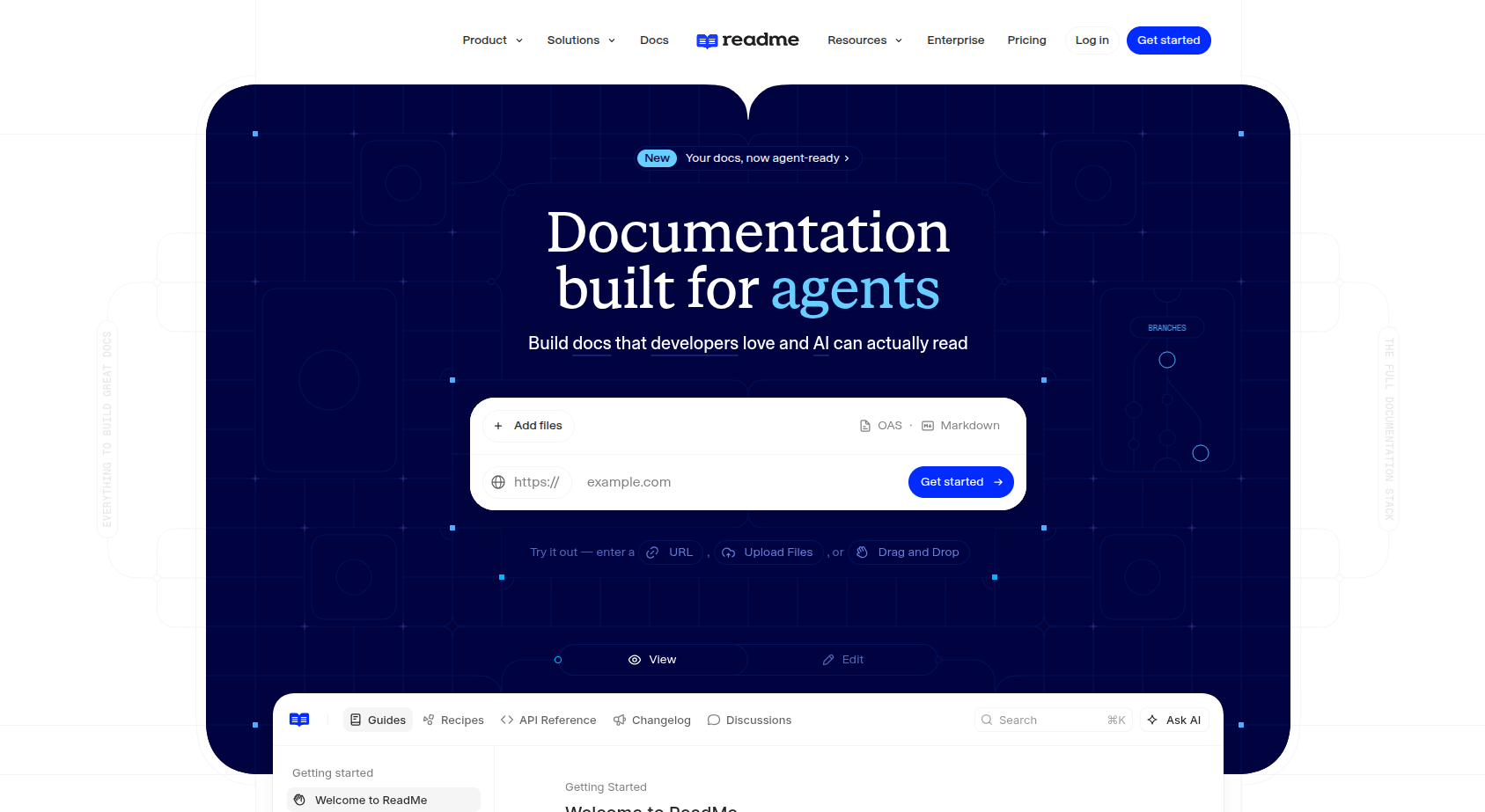
ReadMe is an interactive, developer-engagement-focused portal builder with deep analytics and API usage tracking.
Key Features:
It boasts a strong G2 Rating of approximately 4.5 and is independently confirmed to support MCP servers.
It is a hosted-only CMS with no private cloud option, and it lacks fine-grained content-level access controls.
Pricing Snapshot: ReadMe has a Free tier, a Startup tier at ~$99/month, a Business tier at ~$399/month, and an Enterprise tier at ~$2,000/month.
Visit ReadMe →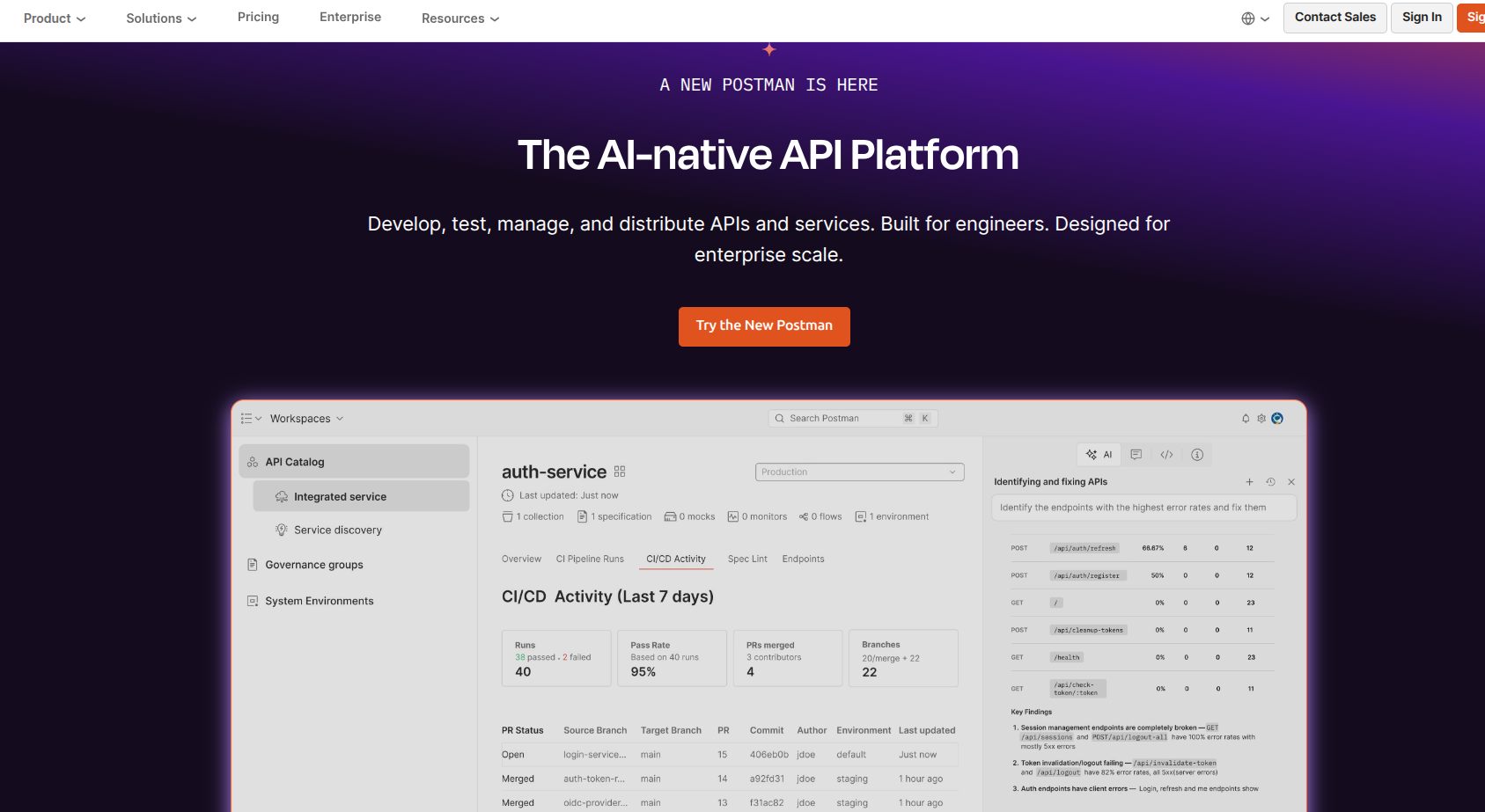
Postman Documenter generates collection-centric documentation instantly from API testing environments.
Key Features:
It is extremely accessible for existing Postman users and holds a G2 Rating of ~4.6.
Docs are generated from Collections rather than being spec-first, making them prone to manual updates and production drift.
Pricing Snapshot: Postman includes a Free tier, with Paid tiers starting at $14/user/month.
Visit Postman →
Apidog is an all-in-one API lifecycle suite unifying design, mock servers, automated testing, and API documentation.
Key Features:
It is a highly cost-effective alternative to combining separate design, testing, and documentation tools.
Its documentation output lacks the deep design customization found in dedicated platforms like Mintlify or ReadMe.
Pricing Snapshot: Apidog offers a Free tier, while paid plans are structured per user/month.
Visit Apidog →
Bump.sh is a continuous API documentation platform specializing in automated spec diffing and continuous changelogs.
Key Features:
It is completely purpose-built for visual version diffing and automated changelogs.
It lacks broader APIOps tools like runtime monitoring or mock testing.
Pricing Snapshot: It offers a Free tier, with paid tiers structured by team/API volume.
Visit Bump.sh →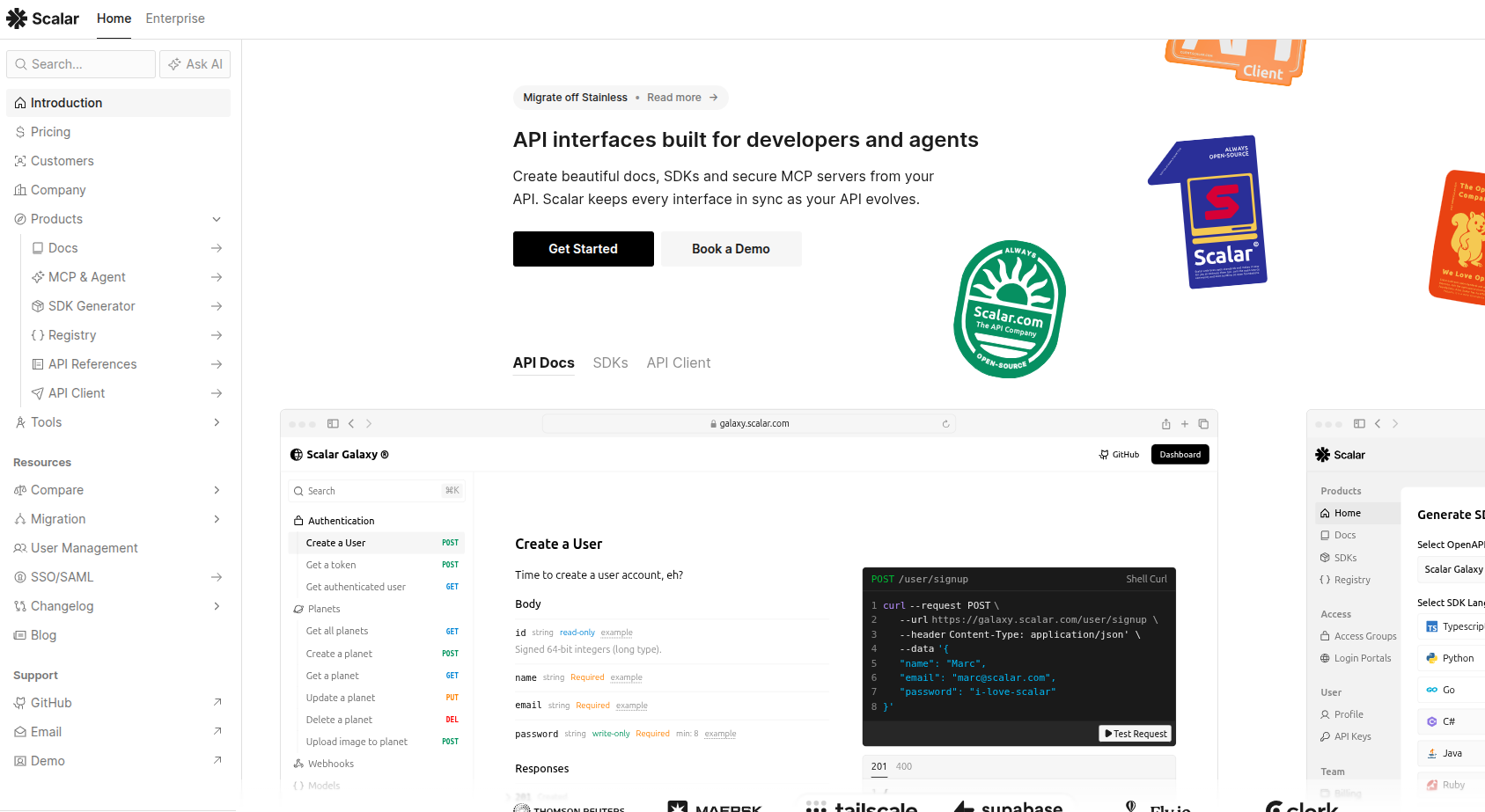
Scalar is a modern, open-source embeddable UI component designed for rendering OpenAPI and GraphQL references.
Key Features:
It is rapidly replacing Swagger UI as the go-to embeddable component and is 100% free.
It is purely a component-only solution, lacking CMS features, access control, hosting, or guide management.
Pricing Snapshot: Scalar is 100% free and open-source.
Visit Scalar →
Treblle is an API Intelligence Platform offering auto-generated API documentation directly from live production traffic.
Key Features:
It completely eliminates manual documentation drift by auto-generating specs from live production traffic.
It delivers its primary value as a full APIOps platform rather than a lightweight doc renderer.
Pricing Snapshot: Treblle offers a Free tier, while Enterprise tiers range from several hundred to several thousand dollars/month.
Visit Treblle →
Stoplight is a design-first API lifecycle platform where documentation serves as a downstream output.
Key Features:
It has strong visual editing tools and holds a G2 Rating of ~4.4.
It lacks modern AI features (no MCP, no llms.txt) and is a hosted-only platform whose product direction shifted after its SmartBear acquisition.
Pricing Snapshot: Stoplight has a Free tier, a Basic plan at $56/mo, a Startup plan at $147/mo, and a Pro Team plan at $453/mo.
Visit Stoplight →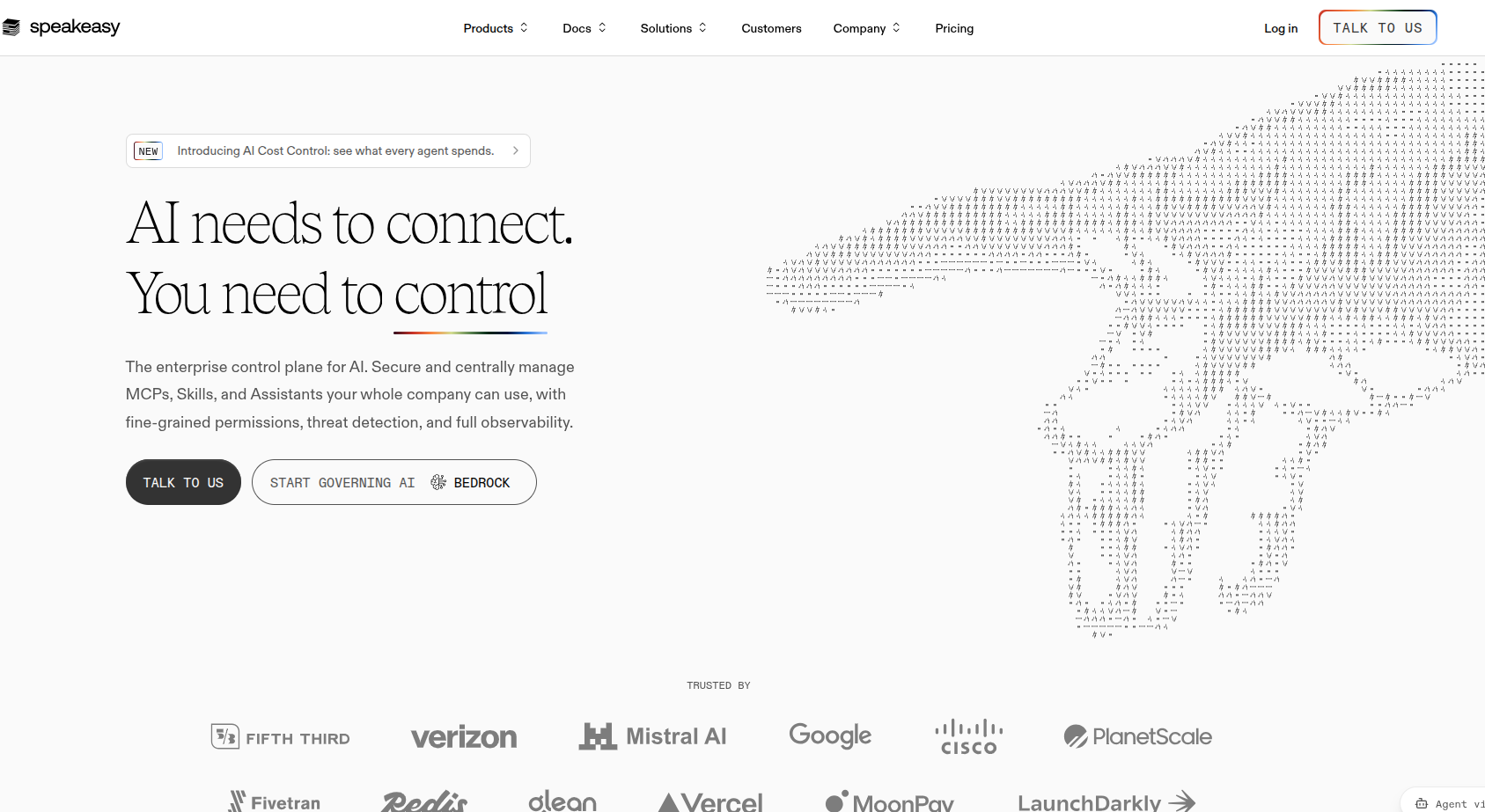
Speakeasy is an AI-native platform focused on executing automatic client SDK generation.
Key Features:
It directly maps to automation and SDK intent for complex engineering tasks.
It operates as an advanced automation generator rather than a simple entry-level docs portal.
Pricing Snapshot: Pricing data is customized per enterprise deployment and not explicitly tiered in baseline metrics.
Visit Speakeasy →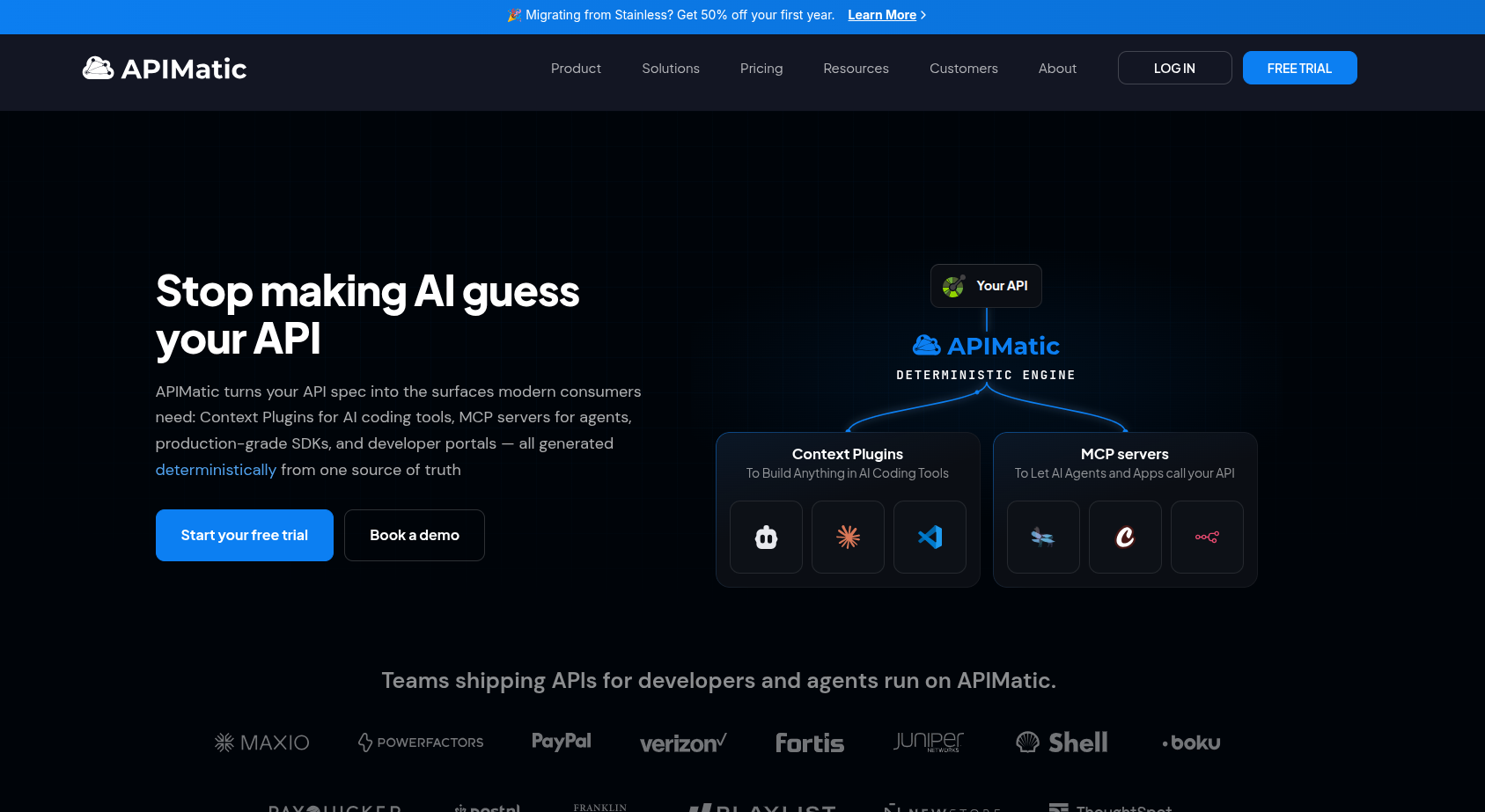
APIMatic is an AI-native generator tool centered around API documentation and SDK creation.
Key Features:
It easily maps to automation and SDK search intents.
Its heavy focus on SDKs means it functions more as an automation tool than a simple spec renderer.
Pricing Snapshot: Specific public tiers are not detailed in the benchmark data, but enterprise workflows map heavily to its automation intent.
Visit APIMatic →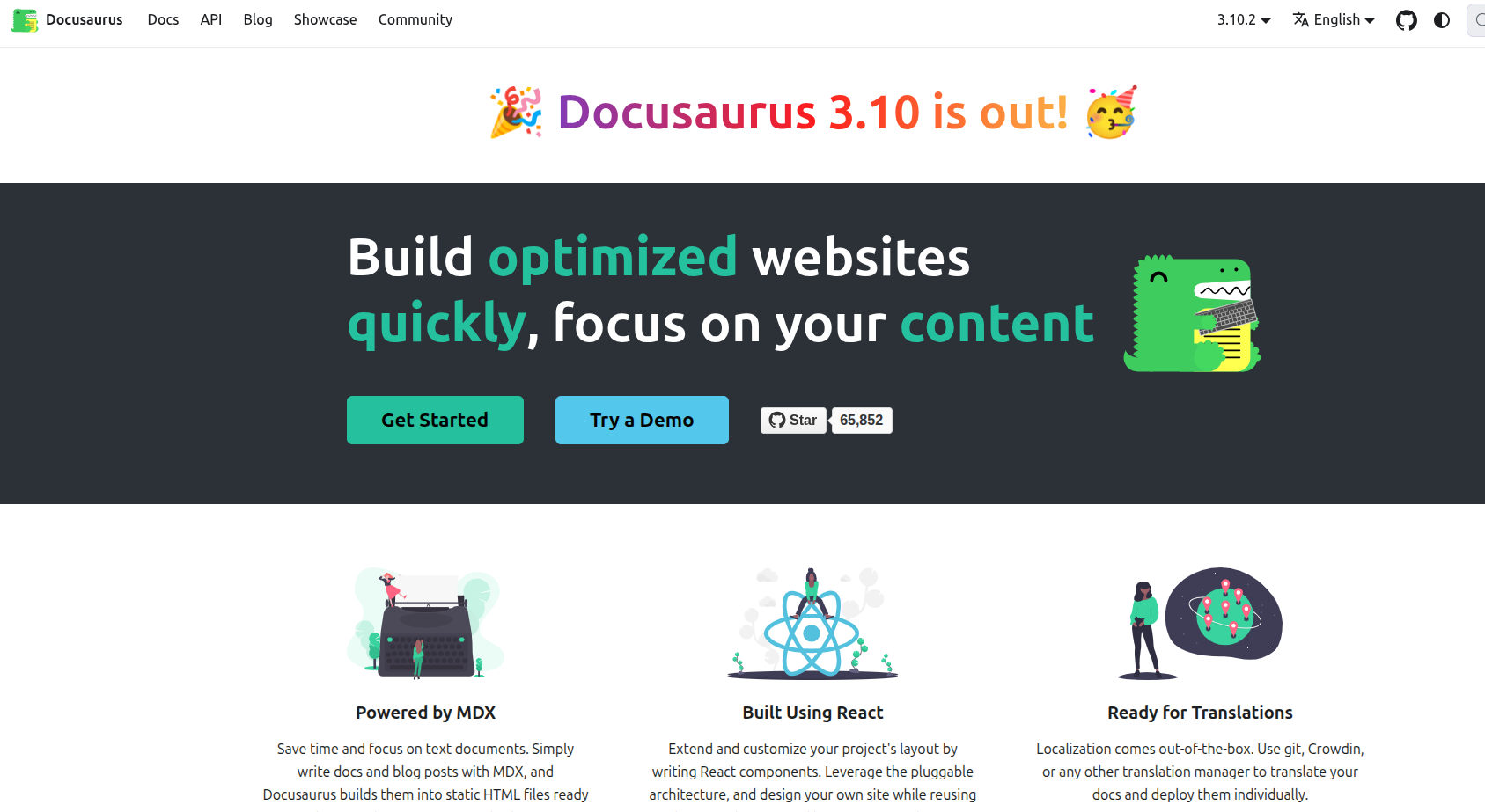
Docusaurus is an open-source, Meta-maintained Markdown and React static site generator.
Key Features:
It is 100% free under the MIT License and requires no vendor lock-in.
It lacks native out-of-the-box API interactivity and spec sync, requiring dedicated engineering upkeep and maintenance.
Pricing Snapshot: Docusaurus is completely free and open-source, with costs limited to hosting and engineering overhead.
Visit Docusaurus →A side-by-side view across the criteria that actually matter in 2026, including spec support, interactivity, SDK generation, Git integration, and whether there’s a genuinely free tier.
| Tool | Spec Support | Playground | SDK Gen | Git Sync | MCP / llms.txt | Free Tier |
|---|---|---|---|---|---|---|
| Mintlify | OpenAPI | Yes | No | Yes | Yes | Yes |
| SwaggerHub | OpenAPI | Yes | No | Yes | No | Yes (OSS) |
| GitBook | OpenAPI | Yes | No | Yes | Yes | Yes |
| Redocly | OpenAPI | Yes | No | Yes | No | Yes (OSS) |
| Fern | OpenAPI | Yes | Yes | Yes | Yes | Yes (Hobby) |
| ReadMe | OpenAPI | Yes | No | Yes | Yes | Yes |
| Postman | OpenAPI | Yes | No | Limited | No | Yes |
| Apidog | OpenAPI | Yes | No | Yes | No | Yes |
| Bump.sh | OpenAPI, AsyncAPI | Yes | No | Yes | No | Yes |
| Scalar | OpenAPI + GraphQL | Yes | No | N/A | No | Yes (OSS) |
| Treblle | OpenAPI (runtime) | Yes | No | N/A | No | Yes |
| Stoplight | OpenAPI | Yes | No | Limited | No | Yes |
| Speakeasy | OpenAPI | Yes | Yes | Yes | No | Custom |
| APIMatic | OpenAPI + more | Yes | Yes | Yes | No | Custom |
| Docusaurus | OpenAPI (plugin) | Plugin-dependent | No | Yes | No | Yes (OSS) |
If you only remember three things from this guide: basic OpenAPI support stopped being a differentiator around 2024, GitSync and AI chat widgets stopped being differentiators around 2025, and the real 2026 split is whether your docs are readable by an AI agent, not just a human.
You need something live today, not a six-week rollout. Scalar or Redocly’s open-source tier gets a clean reference page up for free. If you want AI features and design polish without an enterprise contract, Mintlify’s free Starter tier or Apidog’s free tier both cover the basics well.
Once RBAC, SSO, and compliance reviews enter the conversation, the field narrows fast. Fern and Speakeasy lead if generating client SDKs alongside docs is a hard requirement; ReadMe and GitBook lead if the priority is a polished developer hub with AI search built in. Ask each vendor directly about on-premise or private-cloud posture, and a word of advice: don’t take marketing pages at face value here.
If you have engineering time to spend and want zero vendor lock-in, Docusaurus gives you full ownership of the UI and a huge plugin ecosystem, while Scalar and Redoc handle the OpenAPI rendering layer without needing a CMS at all.
If your workflow is “write the code, generate the spec,” code-first tools like Mintlify, Fern, or ReadMe fit naturally. If your workflow is “design the API before writing implementation,” Stoplight or Apidog’s visual spec builders are a better starting point. Before that, just budget separately for AI readiness, since neither currently ships MCP support.
The API documentation tools of 2026 are highly advanced, blending native git workflows with profound AI Agent readability. While vendor bias clouds online rankings, looking objectively at the data reveals that success depends entirely on your specific use case.
If you want pure reference rendering, adopt Scalar or Redocly. If you need a fully synchronized SDK engine, choose Fern. And if you are building an AI-readable developer portal, Mintlify and GitBook are leading the charge.
There’s no single “best”; it depends on your workflow. Scalar or Redocly are strongest for pure OpenAPI reference rendering, Fern or Speakeasy lead if you need synchronized SDK generation, and Mintlify or GitBook are best for AI-readable developer hubs with built-in search.
Yes, as a foundational standard rather than a UI choice. Swagger/OpenAPI remains the spec format nearly every modern tool builds on, but Swagger UI itself has largely been replaced by newer renderers like Scalar and Redoc for the actual documentation front end.
Increasingly, yes. With over half of documentation traffic now coming from AI agents rather than human readers, features like MCP server support and llms.txt files have become a 2026 baseline expectation rather than a nice-to-have.
Several are fully free and open-source, including Scalar, Redoc, and Docusaurus. Most paid platforms such as Mintlify, Fern, ReadMe, and GitBook also offer a free tier suitable for small projects or solo developers.
Documentation tools like Scalar, Redocly, and ReadMe turn an existing spec into a reference page. Design-first platforms like Stoplight, Apidog, and Postman sit earlier in the workflow, generating the spec itself alongside mocking and testing, with docs as a downstream output.
Attention: WebSpero does not conduct business or interviews over Skype, Google Hangouts, DM or any chat platforms and do not request banking information.